The short version
- worse_query iOS bug, a public sandbox escape for iOS 26.0 to 26.7.2 and iOS 27.2, lets a malicious app read other apps’ files, and Binance warned on November 10 that seed phrases and private keys are at risk.
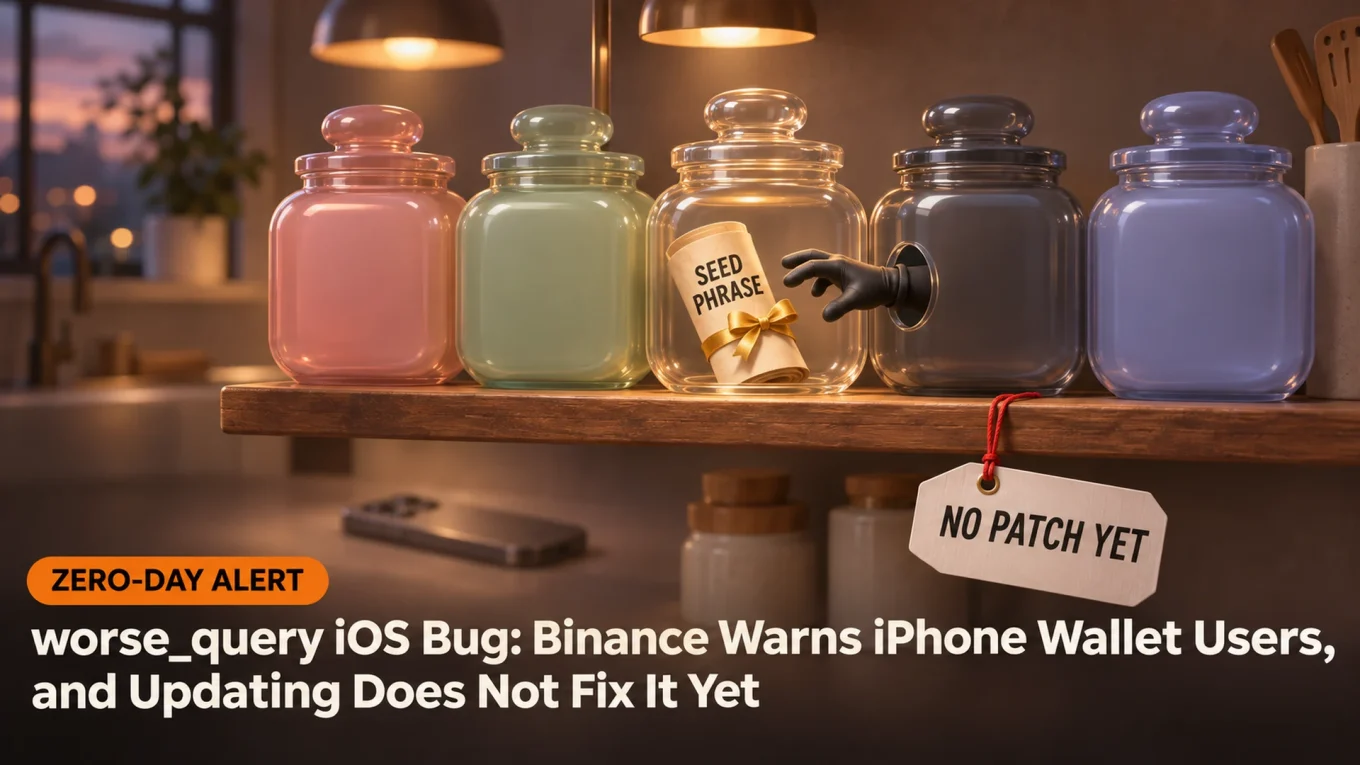
- Its developer says it is still not patched in iOS 27.2.1 or the iOS 27.3 beta, so updating alone doesn’t close it.
- The risk starts with a bad app: delete sideloaded apps, keep your seed phrase off the phone and keep savings in a hardware wallet.
Binance told iPhone users on Tuesday to delete sideloaded apps and update their phones, after code for a new iOS exploit called worse_query went public over the weekend.
The worse_query iOS bug is an iOS sandbox escape, a flaw that lets one app step outside its own box on the iPhone and read files that belong to other apps. Binance says it puts seed phrases, private keys and login details at risk on iOS 26.7.1, 27.0.1 and 27.2. Among its advice: update iOS.
There is a catch. Researchers say no update fixes worse_query yet. So what actually protects an iPhone crypto wallet right now?
Binance posted the warning on November 10 at 09:56 UTC:

A vulnerability (worse_query) affecting iOS 26.7.1, 27.0.1, and 27.2 allows malicious apps to read local files from other apps, putting seed phrases, private keys, and login credentials at risk across the entire ecosystem. This is an iOS-level issue, not unique to Binance.
What Is the worse_query iOS Bug?
It is a public proof of concept, posted on GitHub on November 8, that breaks the iPhone’s app sandbox on iOS 26.0 to 26.7.2 and on iOS 27.2.
Every iPhone app lives in its own container. Your wallet can’t see your photo editor’s files. The photo editor can’t see your wallet. That wall is the sandbox.
The worse_query code page lists the folders it reaches past that wall, including the data folders of every installed app. Its developer, forcequit, calls it the direct successor to bad_query, a similar escape released in August for older iOS 26 versions. The page is blunt on one point: “This is not relevant to a jailbreak and never will be.”
Not a jailbreak. Not harmless either.
The bug needs a malicious app on your phone first. Blockchain security firm SlowMist spelled out the risk: the bug “does not steal assets by itself,” but once a bad app runs it, any wallet that keeps its seed phrase, keystore or browser cache in plain text on the device can be read.
Sponsored · Affiliate link
Save 20% on fees trading on WEEX
Base Camp may earn a commission if you sign up. It never affects what we write.
Why Updating Doesn’t Fix It Yet
Apple hasn’t patched it. Apple shipped iOS 27.2.1 and iOS 26.7.3 on November 9, a day after the code went public, and none of the entries in its security notes for iOS 27.2.1 mentions worse_query. We found no statement from Apple on the bug so far.
Its developer settled the patch question on Tuesday:

Just as a general statement so there isn’t any confusion about it, worse_query is *not* patched in iOS 27.2.1 and 27.3 beta 1. I’ll update version support on the readme when it’s patched.
In other words, the newest iPhone update and the iOS 27.3 beta are both still open to the worse_query iOS bug. iOS researcher Michael, who posts as MasterMike88, pushed back on Binance’s wording a few minutes later: realistically, he wrote, it gets used through a malicious App Store app or an app you sideload yourself. Updating is still the right habit. It just doesn’t close this hole.
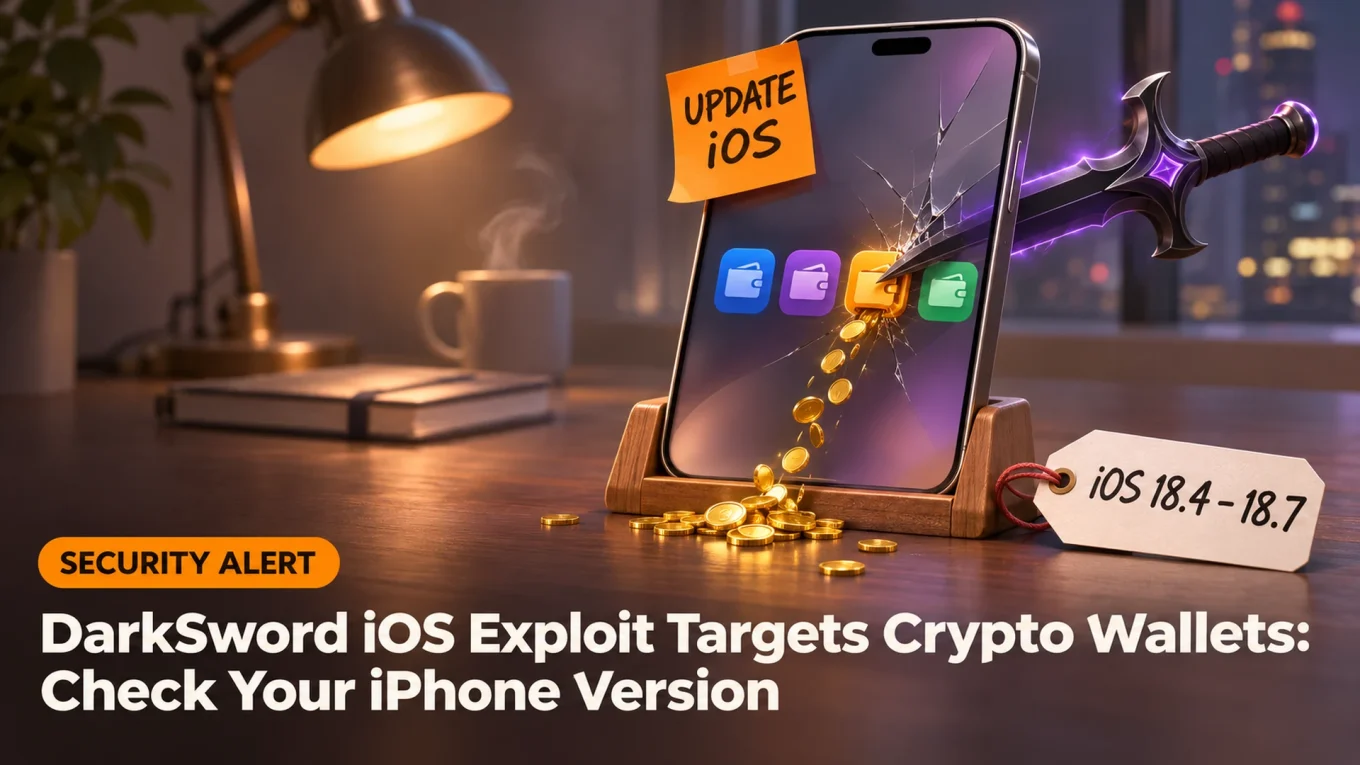
This is a different story from DarkSword, the exploit kit that hit iPhones on old iOS 18.4 to 18.7 through booby-trapped websites. Apple fixed that one months ago. worse_query works on the newest public iOS and needs an app on the phone.
SIDE TRAIL: DarkSword iOS Exploit Targets Crypto Wallets: Check Your iPhone Version
How to Protect an iPhone Crypto Wallet Now
The danger is the app you install. So start there.
Delete any app that didn’t come from the App Store: sideloaded or manually signed IPA files, “modded” apps, test builds a stranger sent you. Binance and SlowMist both put this first.
Be picky inside the App Store too. Hold off on new, unknown apps on the phone that holds your wallet until Apple ships a fix.
Keep your seed phrase off the phone. No screenshot, no note, no photo. A file that isn’t there can’t be read.
Move real money to a hardware wallet. The keys stay on that device and every transaction needs a press of its button, so a phone that leaks every file still can’t sign for you. Keep only spending money in the phone wallet.
TRAIL MAP: Your First Crypto Wallet, Set Up Safely: Hot vs Cold and the Seed Phrase
Already installed something you don’t trust? Treat the wallet as exposed. Create a new wallet on a clean device, send the funds there, and log out of every exchange session, as Binance advises.
Wallet teams have homework as well. SlowMist’s advice to them is short: stop storing sensitive data in plain text on the phone.
Until Apple ships a fix, the safest iPhone wallet is the one whose keys aren’t on the iPhone.

TheCryptoMonk has been trading since 2017 and reads the market from the top down. The focus is macro and the high timeframes: where stocks, rates and liquidity are heading, and what the weekly and monthly charts say about Bitcoin. Short-term noise matters less than the bigger trend.
More from TheCryptoMonk